Download Free HEIC Sample Files
Pick a sample HEIC or HEIF photo, open it in the online viewer, or convert it to JPG, PNG, or PDF in your browser. Files stay on your device. Every sample below is free to download and reuse under CC0.
Last updated: September 2026
Open a sample or convert it
After you download a file, use the HEIC viewer if Windows Photos will not open it, or convert to JPG for sharing. PNG keeps a lossless still; PDF is for printing or combining pages.
What HEIC and HEIF are
iPhone photos often save as HEIC. The same family of files can use a .heif name. Here is what that means when you open or convert them.
- HEIF
- High Efficiency Image File Format. An ISO standard (ISO/IEC 23008-12) container for photos and related image data, based on the same family of file structure as MP4.
- HEIC
- The usual iPhone photo file: a HEIF container with HEVC (H.265) image data. Smaller than a similar-quality JPG, but many Windows apps and websites still expect JPG.
- .heic and .heif
- Both names can point to a HEIF file. If an upload form rejects one extension, try the other—or convert to JPG. Two samples below are the same photo with different names.
- On this site
- Download a sample, preview it in the viewer, or convert to JPG, PNG, or PDF. Processing runs in your browser; you do not upload the photo to our servers.
Download sample HEIC files
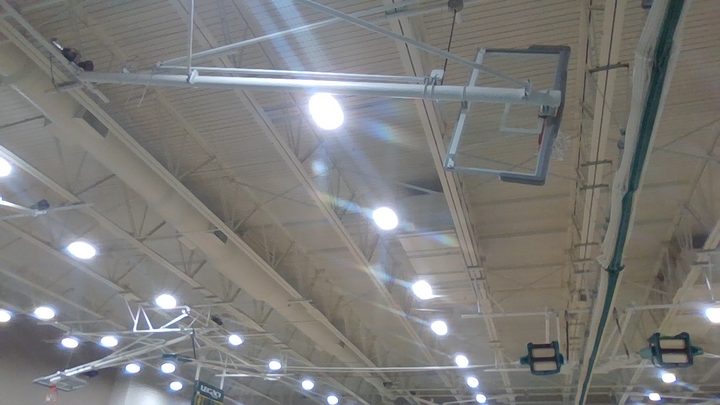
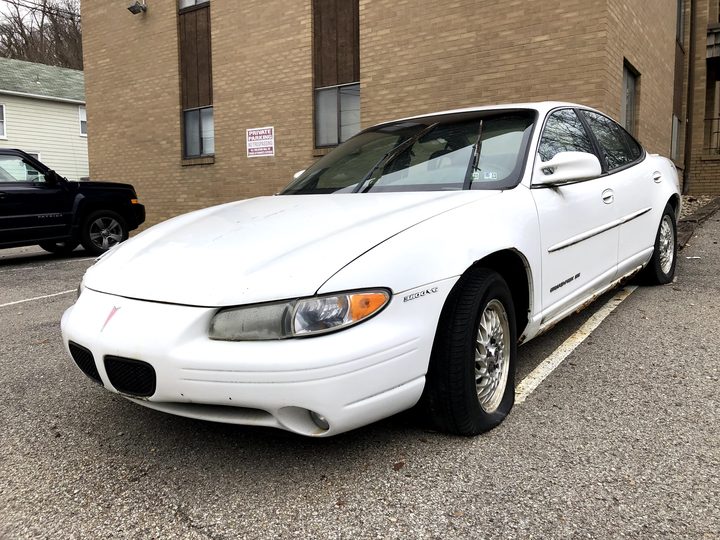
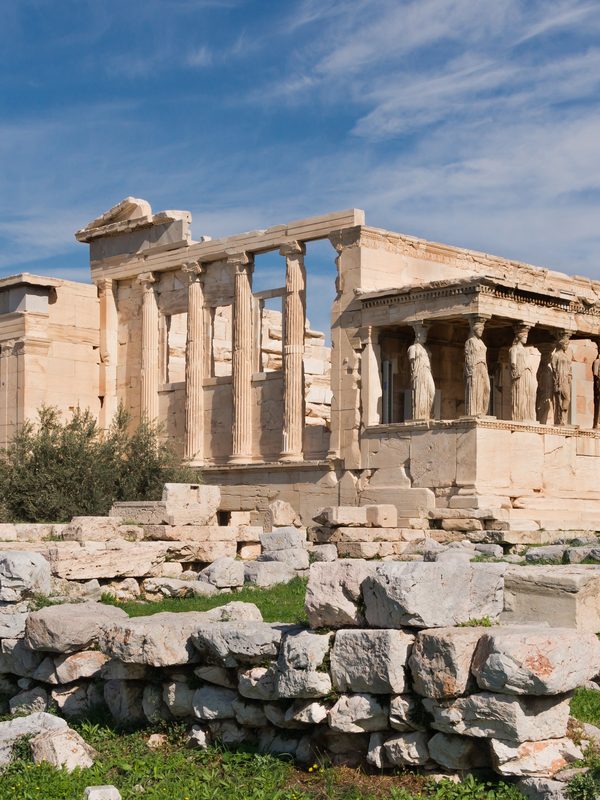
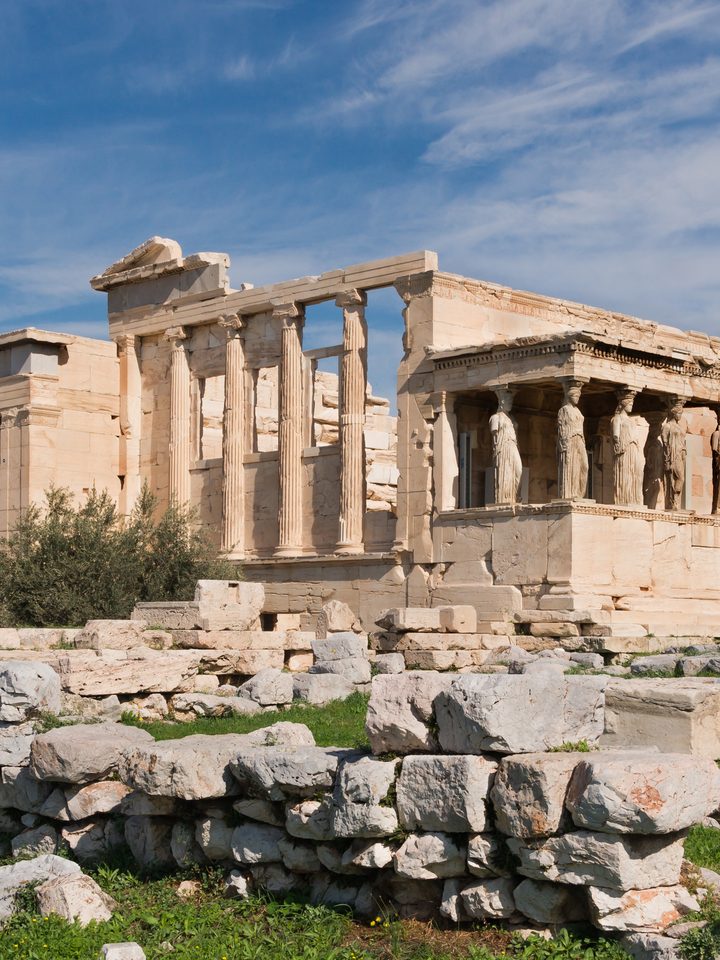
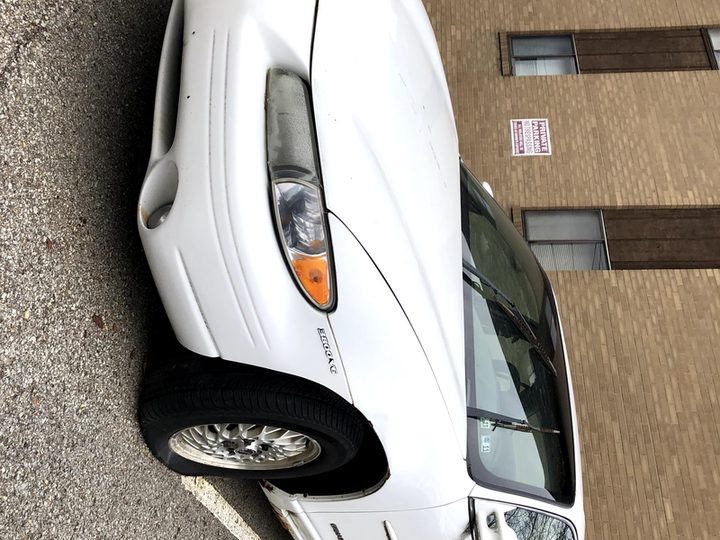
Twelve files covering small and large photos, square and landscape, high and low quality, a rotated still, and a .heif twin. The JPG on each card is only a preview—download the HEIC or HEIF to test opening and converting.
After download, try the Viewer or To JPG


File list
Name, pixel size, file size, and checksum for each download. Use this when you need a specific resolution or a file you can check after saving.
| File | Dimensions | Size | Type | Checksum | Best for |
|---|---|---|---|---|---|
| still-tiny.heic | 320×427 | 93 KB | image/heic | 55af20f9ecd8… | Quick try in the viewer |
| still-small.heic | 600×800 | 287 KB | image/heic | 8799744cc642… | Everyday convert to JPG |
| still-medium.heic | 1200×1600 | 964 KB | image/heic | 4951d682f8b6… | Typical phone-sized photo |
| still-medium.heif | 1200×1600 | 964 KB | image/heif | 4951d682f8b6… | Same photo as .heif |
| still-large.heic | 1800×2400 | 2.4 MB | image/heic | 0a303c194c26… | Larger file for batch convert |
| landscape-hd.heic | 1280×720 | 344 KB | image/heic | 928f8661c6f4… | 16:9 landscape |
| landscape-43.heic | 1600×1200 | 1.1 MB | image/heic | 6d1abc890ff0… | 4:3 landscape |
| square-thumbnail.heic | 256×256 | 43 KB | image/heic | 50aeae5edc07… | Small square / thumbnail |
| square-1080.heic | 1080×1080 | 439 KB | image/heic | 0129cd00258e… | Square crop |
| still-compressed.heic | 600×800 | 34 KB | image/heic | 81682119f493… | Heavy compression |
| still-high-quality.heic | 1200×1600 | 1.4 MB | image/heic | 75ee292ab3e6… | High quality still |
| rotated-cw90.heic | 800×600 | 268 KB | image/heic | 59c43919a46f… | Rotated photo |
Download from the command line
Example:
curl -LO https://heic.best/samples/heic/still-small.heicWhere HEIC shows up
Phones, cameras, and TVs handle HEIC differently. These official pages explain capture settings and compatibility. Use a sample file here if you need something to open or convert right now.
| Source | What it covers | When to read it | Open |
|---|---|---|---|
| MPEG / ISO | HEIF file standard | ISO/IEC 23008-12 describes the HEIF container used by .heic and .heif photos. | ISO/IEC 23008-12 |
| Nokia Technologies | HEIF format examples | Reference stills, albums, bursts, and derived images that show what a HEIF file can hold. | Nokia HEIF examples |
| Apple | iPhone, iPad, and Mac | How Apple devices capture HEIF/HEVC, share photos, and convert to more compatible formats. | Using HEIF or HEVC (Apple Support) |
| Sony | Camera HEIF (.hif) | How Sony cameras record HEIF and how to convert files in Imaging Edge or HEIF Converter. | Sony: HEIF format |
| Samsung | TVs and Tizen | Which Samsung Smart TV models can display HEIC and what size limits apply. | Samsung media specifications |
What’s in these files
- Real photos, free to reuse
Each sample starts from a public-domain still, then is saved as HEIC or HEIF so you can test opening and converting without using a private camera roll.
- Different sizes and quality
Tiny files for a quick try, larger files for batch convert, plus high-quality and heavily compressed versions, square crops, and 16:9 or 4:3 layouts.
- No location data added
These files are meant for sharing as test photos. They do not include GPS or personal camera-roll details.
Frequently asked questions
Can I use these files in my own project?
Yes. They are published under CC0 1.0. You may copy, modify, and reuse them, including in commercial work.
How do I open a sample on Windows?
Download a file, then open it in the HEIC viewer on this site, or convert it to JPG. You can also install Microsoft’s HEIF and HEVC extensions if you want Photos to open HEIC.
Why are there both .heic and .heif versions of one photo?
Some apps only allow one extension. still-medium.heic and still-medium.heif are the same image with different names, so you can see which one your form or software accepts.
Will converting upload my photo?
No. Conversion and viewing on HEIC.Best run in your browser. The photo stays on your device.
My iPhone saves HEIC. What should I convert to?
Use JPG for websites, email, and Windows sharing. Use PNG if you need a lossless still. Use PDF to print or combine several photos.
No comments yet